01Generate
Turn a question into a complete lesson.
Start with a question, topic, or source file. MindStages creates an outline and builds the lesson one scene at a time.
Interactive learning, built with AI
Start with a question or your own materials. MindStages turns them into a guided lesson with explanations, quizzes, simulations, projects, and AI conversations.
The short version
MindStages helps you create and experience interactive lessons. We call each lesson a Stage. A Stage is made of connected scenes that help learners understand an idea, check their thinking, and use what they learned.
What MindStages does
MindStages plans the lesson, creates the scenes, supports the learner, and gives you clear ways to share the result.
Start with a question, topic, or source file. MindStages creates an outline and builds the lesson one scene at a time.
Combine visual explanations, quick knowledge checks, interactive simulations, and projects in one connected lesson.
The AI Teacher and AI participants can explain an idea, challenge an assumption, or discuss a question using the current scene as context.
Adjust variables, run experiments, explore models, write code, and get guidance directly inside an interactive scene.
Listen to the lesson, follow whiteboard explanations, take notes, and chat without switching between separate tools.
Publish a Stage for anyone to discover, or create one inside a Group so only Group members can access it. Groups can also collect and remix public Stages.
See a real Stage
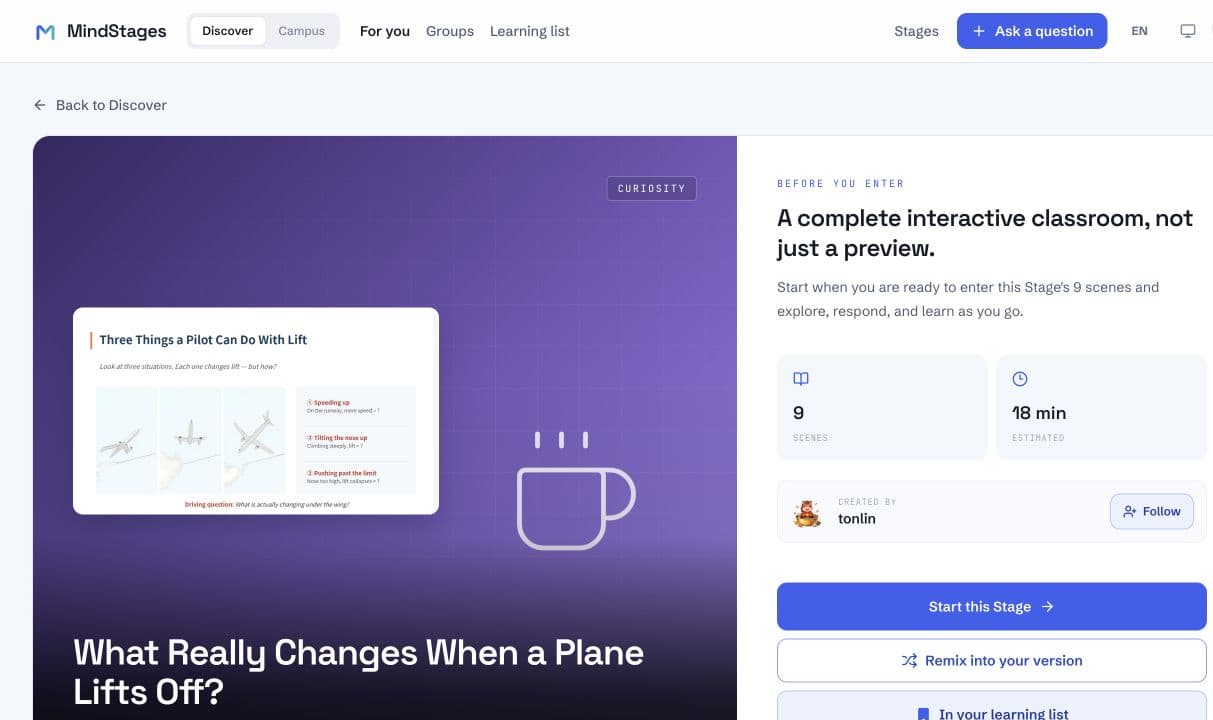
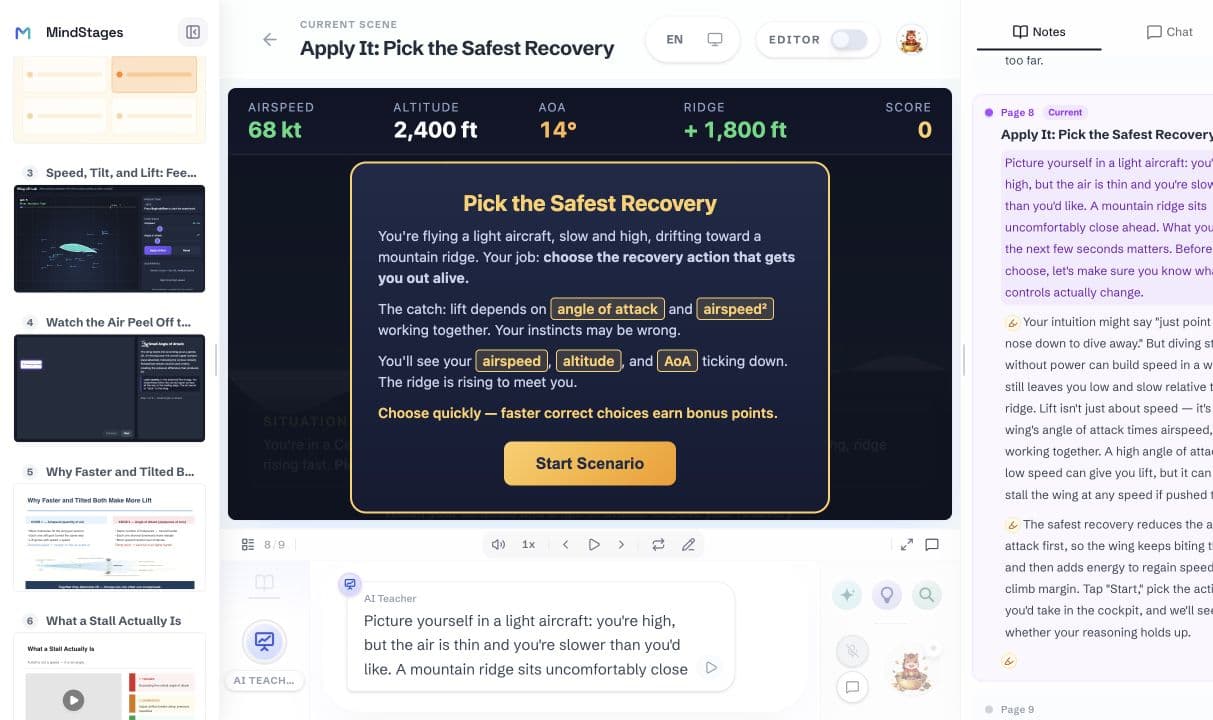
This Stage explores how an airplane creates lift. Learners move from a simple model to a quiz, interactive labs, visual explanations, and a flight recovery challenge without losing the thread of the lesson.
Watch it in action
In this calculus Stage, the learner watches a secant line approach a tangent. They then open the Roundtable and ask a follow-up question without leaving the scene.
More than one way to learn
How it works
Describe what you want to teach or learn. Add source files if you want MindStages to use specific material.
Check the proposed scenes and adjust the learning path before the full Stage is built.
You can start using the Stage as soon as the first scene is ready while the remaining scenes continue to build.
Refine the Stage, then publish it publicly or create it inside a Group for Group members only.
Who it is for
Turn a difficult topic into a lesson you can see, try, discuss, and revisit.
See MindStages for learners →Build a clear learning path, edit every scene, and give learners ways to practise—not just more content to read.
See MindStages for educators →Common questions
Quick answers about Stages, who MindStages is for, and how sharing works.
MindStages turns a question or source material into an interactive lesson called a Stage. Each Stage is made of scenes that can explain an idea, check understanding, invite discussion, or let the learner try something directly.
A chatbot usually gives you an answer in a conversation. MindStages builds a learning path around the question, using explanations, quizzes, simulations, projects, and AI guidance to help you understand and apply the idea.
A Stage can include visual lessons, quizzes, interactive simulations, projects, voice teaching, whiteboard explanations, notes, chat, and discussions with AI participants.
Learners can explore topics they care about. Educators can turn their materials into interactive lessons. Teams and institutions can organize learning in Groups.
Anyone in the MindStages community can discover a public Stage. A Stage created inside a Group can be accessed only by members of that Group.
Start with a question